Cover Image
Introduction
You've been staring at a blank page of editor options for two hours. TinyMCE. CKEditor. Tiptap. Lexical. Slate. Gutenberg. WordPress Block Editor. Something called "Plate." Someone on Reddit swears by Remirror. Another person says they switched to Builder.io and never looked back.
There are over 50 active WYSIWYG editor projects on GitHub right now. That's not a sign of a healthy market — it's a sign that nobody has solved this problem well enough for one tool to dominate. The truth is, "best" doesn't mean anything without knowing who you are.
This guide fixes that. Instead of another feature matrix, we'll segment by audience and use case. You'll get a concrete recommendation for your situation in under 5 minutes, with honest tradeoffs explained plainly.
What you'll get:
The three questions that determine which editor you actually need
The best picks for non-technical users (and what to watch out for)
The React editor showdown — Tiptap, Lexical, and Slate.js compared honestly
The collaboration problem and why most editors fail at it
A shortcut for when you shouldn't use a WYSIWYG editor at all
What Makes a Great WYSIWYG Editor in 2026
The editor landscape shifted significantly over the past two years. Here's what's changed:
The old criteria are table stakes. Rich text formatting, image embedding, and link management are expected. Any editor worth considering does all of this. The differentiators in 2026 are different:
Performance matters more than ever. Users expect Google Docs-level speed. Editors built on lightweight rendering engines (ProseMirror, Lexical's internal engine) load fast and handle large documents without lag. Editors built on contentEditable hacks — many older tools still are — feel sluggish on modern hardware.
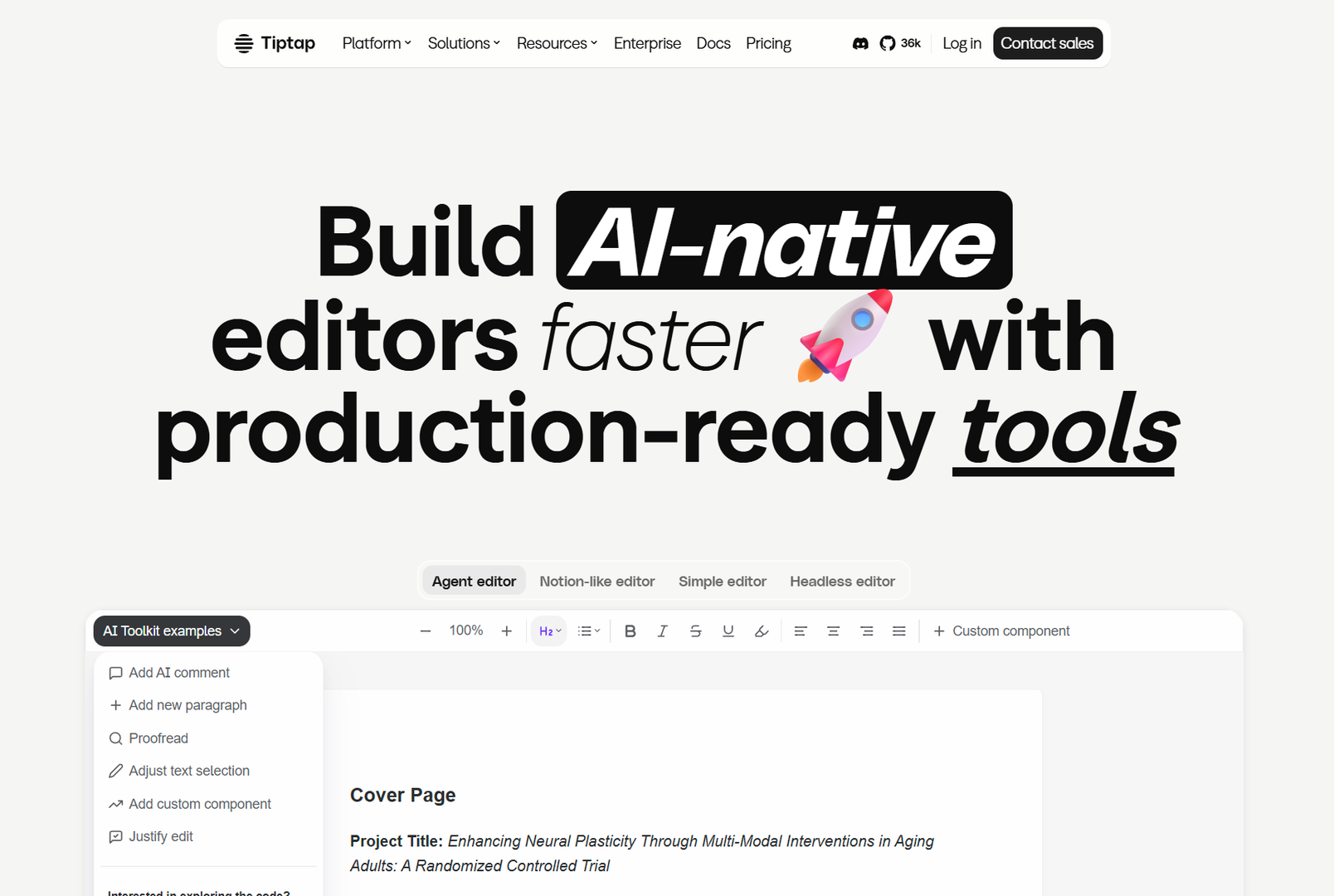
AI is becoming a default feature. Tiptap has an official AI extension. Lexical's architecture makes AI integrations straightforward. Editors without a clear AI story in 2026 are falling behind. Not because AI writing assistants are magic, but because the integration points are finally mature enough to not be painful.
Collaboration is table stakes for teams. If more than one person touches your content, you need real-time co-editing, comments, and version history. Google Docs solved this in 2009. Most WYSIWYG editors still treat it as an afterthought.
The three questions that determine your editor:
Who is writing? (Non-technical content creators vs. developers building a product)
Where does the content go? (A website, an app, multiple channels)
How many people are writing? (Solo, small team, or enterprise-scale collaboration)
Your answers make the choice obvious. Let's go through them.
For Non-Technical Users: The Zero-Friction Picks
If you're a content creator, blogger, or small business owner building your own website, your priority is getting words on a page — not wrestling with configuration files.
These are your tools:
WordPress Block Editor (Gutenberg)
WordPress powers 43% of all websites. Its built-in Block Editor (Gutenberg) is the default editor for that audience, and it has improved dramatically since its rocky launch in 2018.
What it does well:
Block-based layout means you can build complex pages without touching code
Thousands of free block plugins extend functionality
Deep WordPress ecosystem — hosting, themes, and support everywhere
Good enough for most blog and marketing site use cases
Where it falls short:
Still polarizing — power users find block editing counterintuitive compared to the Classic Editor
Performance degrades on complex pages with many blocks
You're tied to WordPress as a platform
Best for: Bloggers, marketers, and small business owners already on WordPress who don't want to think about editors.
Tip: If you're on WordPress and frustrated with Gutenberg, try the Classic Editor plugin for a familiar writing experience — but accept that Gutenberg is where development momentum lives.
Squarespace and Wix Built-In Editors
If you're building a website on a hosted platform, use the editor that comes with it. Squarespace's Block Editor and Wix's editor are genuinely well-designed for non-technical users — and fighting them by embedding a third-party editor usually makes things worse.
What they do well:
Zero setup — you open the page editor and write
Mobile editing that actually works
No code required for common layout tasks
Where they fall short:
Content portability is zero — you're locked to the platform
Customization is limited to what the platform allows
Not viable if you need your content in an app, API, or multiple channels
Best for: Small businesses and solopreneurs who want a website and nothing more.
Webflow
Webflow occupies a unique middle ground — powerful enough for designers and front-end developers who want pixel-perfect control, but visual enough for non-technical stakeholders to edit content without touching code.
What it does well:
CMS collections with a clean visual editor for recurring content (blog posts, case studies, team pages)
Real visual design control without writing HTML/CSS
Clean HTML output when you publish
Where it falls short:
Monthly cost — not free, and hosting is handled by Webflow
Learning curve for designers new to the platform
Content export is improving but still not seamless
Best for: Designers and small studios who need a professional site with a client-friendly editing experience that doesn't require technical involvement.
For Developers: The React Editor Showdown in 2026
If you're building a product and need to embed an editor, the landscape is dominated by three tools — and the choice between them is the most common question in React communities right now.
Here's the honest breakdown:
Tiptap — Best Developer Experience
Tiptap is built on ProseMirror and has become the de facto community favourite. Its extension system is elegant, its documentation is excellent, and its API is consistent.
Strengths:
Best documentation of the three — onboarding is smooth
Extension ecosystem is mature: tables, image uploads, collaboration, AI, and more
Works outside React too (Vue, Svelte) via the core library
Strong community backing and active development
Weaknesses:
Collaboration requires a separate server (Y.js + Hocuspocus) — not built in
Customization requires understanding ProseMirror's model, which has a learning curve
Heavier than Lexical for very large documents cite: StackBlitz 2026 editor comparison
Community verdict (HN + Reddit, 2025–2026): Tiptap wins the developer experience battle. The Reddit "2025 React Editor Showdown" thread found Tiptap had the best balance of features, documentation, and ecosystem. On HN, the Tiptap vs. Lexical thread had passionate ProseMirror defenders citing Tiptap's stability and extension model.
Best for: SaaS products, CMS integrations, and any project where your team values DX and shipping speed over raw performance or built-in collaboration.
// Minimal Tiptap setup
import { useEditor, EditorContent } from '@tiptap/react'
import StarterKit from '@tiptap/starter-kit'

function Editor() {
  const editor = useEditor({ extensions: [StarterKit] })
  return
}
Lexical — Best for Scale and Collaboration
Lexical is Meta's open-source rich text editor framework, released publicly in 2022 and now powering Facebook, Instagram, and WhatsApp's web experiences at enormous scale.
Strengths:
Built-in collaboration — no separate server required for basic co-editing
Exceptional performance on large documents — virtualized rendering keeps even 50,000-word documents smooth
Accessible by design — ARIA support is first-class, not an afterthought
Framework-agnostic core — React, Vue, and Vanilla implementations
Active development with Meta's backing
Weaknesses:
Steeper learning curve than Tiptap — less opinionated, so more decisions to make
Smaller extension ecosystem — you're more likely to build custom functionality
Collaboration at scale (not just basic co-editing) still benefits from a dedicated server
Community verdict: Lexical is the consensus pick for enterprise-scale applications and anything where collaboration is mission-critical. Reddit threads in r/reactjs consistently point to Lexical for "large-scale apps" and "built-in collaboration" as the primary reasons to choose it. HN discussions have warmed to Lexical throughout 2025, with many acknowledging it as the strongest technical choice even if Tiptap still wins on DX.
Best for: Enterprise applications, products with real-time collaboration requirements, and anywhere editor performance at scale is non-negotiable.
Slate.js — Best for Custom Editing Experiences
Slate is the most flexible of the three. Where Tiptap and Lexical give you a word processor with customization, Slate gives you a blank canvas.
Strengths:
Fully customizable — you define the data model, the rendering, and the behavior
Excellent for non-standard editing: collaborative whiteboards, code snippet editors, structured data entry
Strong for rich content types beyond text (code blocks with syntax highlighting, embedded data structures)
Weaknesses:
The most complex to set up — no batteries included
Smaller community than Tiptap or Lexical
Maintenance concerns — Slate's API has changed significantly between versions, creating upgrade friction
Not a WYSIWYG editor in the traditional sense — it's a framework for building one
Community verdict: Slate is the choice for teams with highly specific, non-standard editing requirements. Most "which should I use" threads recommend starting with Tiptap or Lexical and switching to Slate only if those genuinely can't do what you need.
Best for: Teams building non-standard content experiences — custom document editors, block-based CMS builders, or highly specialized rich content applications.
The Quick Comparison
Criteria | Tiptap | Lexical | Slate.js |
|---|---|---|---|
Setup speed | Fast | Medium | Slow |
DX / documentation | Excellent | Good | Medium |
Performance | Good | Excellent | Good |
Built-in collaboration | No | Yes | No |
Customization | High | High | Very high |
Extension ecosystem | Large | Growing | Smaller |
Maintenance risk | Low | Low | Medium |
Best for | SaaS CMS | Enterprise apps | Custom editors |
For Teams Needing Collaboration: The Real Solution
If you're choosing a WYSIWYG editor primarily because your content team needs to work together in real time, here's the uncomfortable truth: most WYSIWYG editors claim collaboration features that don't work well in production.
The real options:
Lexical's built-in collaboration is the most production-ready option in 2026. Meta ships it at scale. The Y.js integration is well-documented and doesn't require a separate hosting decision.
Google Docs API is legitimate for teams that just want a writing and collaboration surface — not an embedded editor. If your product needs to let users write collaboratively without building your own infrastructure, Google Docs as a backend is more powerful than any WYSIWYG library.
Tiptap + Y.js + Hocuspocus works well but requires running a collaboration server. It's a real engineering commitment — not a library you drop in. Teams that choose this path generally have the infrastructure to support it.
Everything else — Bubble.is, Notion-like editors, Editor.js, and dozens of smaller libraries — has real collaboration limitations. If multi-user editing is a core product requirement, start with Lexical or don't build it yourself.
The Headless CMS Angle: When to Skip WYSIWYG Entirely
Here's the contrarian take that more teams should consider in 2026: if you're building a content-heavy product, the right answer might be to not use a WYSIWYG editor at all.
A headless CMS with a visual editor gives your content team the same WYSIWYG experience while delivering your content via API to any front-end — web, mobile app, digital signage, voice assistants.
The hybrid platforms that made this accessible:
Builder.io — Visual headless CMS with a genuinely good drag-and-drop editor. Content delivered via API. Good React integration. Popular with teams migrating from WordPress.
Storyblok — Visual CMS with a block-based editor that non-technical users can navigate. Strong developer APIs. Growing enterprise adoption.
Sanity — Schema-first headless CMS with a custom Studio interface. Fully programmable — your editors get exactly the editing experience you define. Steeper setup, but unmatched flexibility.
Prismic — Slice-based visual editor. Simple concept: define "slices" (content blocks) in code, editors assemble pages from them. Good balance of developer control and non-technical usability.
The question to ask: Are you building a website, or are you building a content platform? If it's just a website, a good WYSIWYG editor (Gutenberg, Squarespace, Webflow) is simpler. If you're delivering content to multiple channels and need flexibility, a visual headless CMS is almost always the right long-term investment.
How to Choose: Your 3-Question Decision Framework
Answer these three questions. Your recommendation is at the end.
Question 1: Are you a developer embedding an editor, or a non-technical user writing content?
Non-technical → WordPress Block Editor, Squarespace/Wix built-in, or Webflow
Developer → Continue to Q2
Question 2: Is real-time collaboration a core product requirement?
Yes → Lexical
No → Continue to Q3
Question 3: Do you need maximum customization beyond standard rich text editing?
Yes → Slate.js (only if Tiptap/Lexical genuinely can't do it)
No → Tiptap (best DX, largest ecosystem, fastest to ship)
Bonus: Are you building a multi-channel content platform?
Yes → Consider Builder.io, Storyblok, or Sanity instead of a WYSIWYG editor
No → Use the framework above
Conclusion
The "best WYSIWYG editor" isn't one tool — it's the right tool for your situation. In 2026, the market has matured enough that any of the major choices will serve you well within their sweet spot. The mistakes people make are: picking Tiptap when they need collaboration, picking Lexical when they need to ship fast, picking a legacy editor when the modern options are genuinely better, or picking a WYSIWYG editor when what they actually need is a headless CMS.
The decision tree above is designed to get you to a choice, not to an exhaustive comparison. If you're a non-technical user on WordPress, Gutenberg is fine. If you're a developer building a SaaS product, Tiptap is probably your answer. If you're building an enterprise app with collaboration, Lexical is the right foundation.
Pick one and ship. The editor that ships beats the editor that's still being evaluated.
Your next step: Answer the three questions above. Share your situation in the comments — I'll point you to the right starting point.