Cover Image
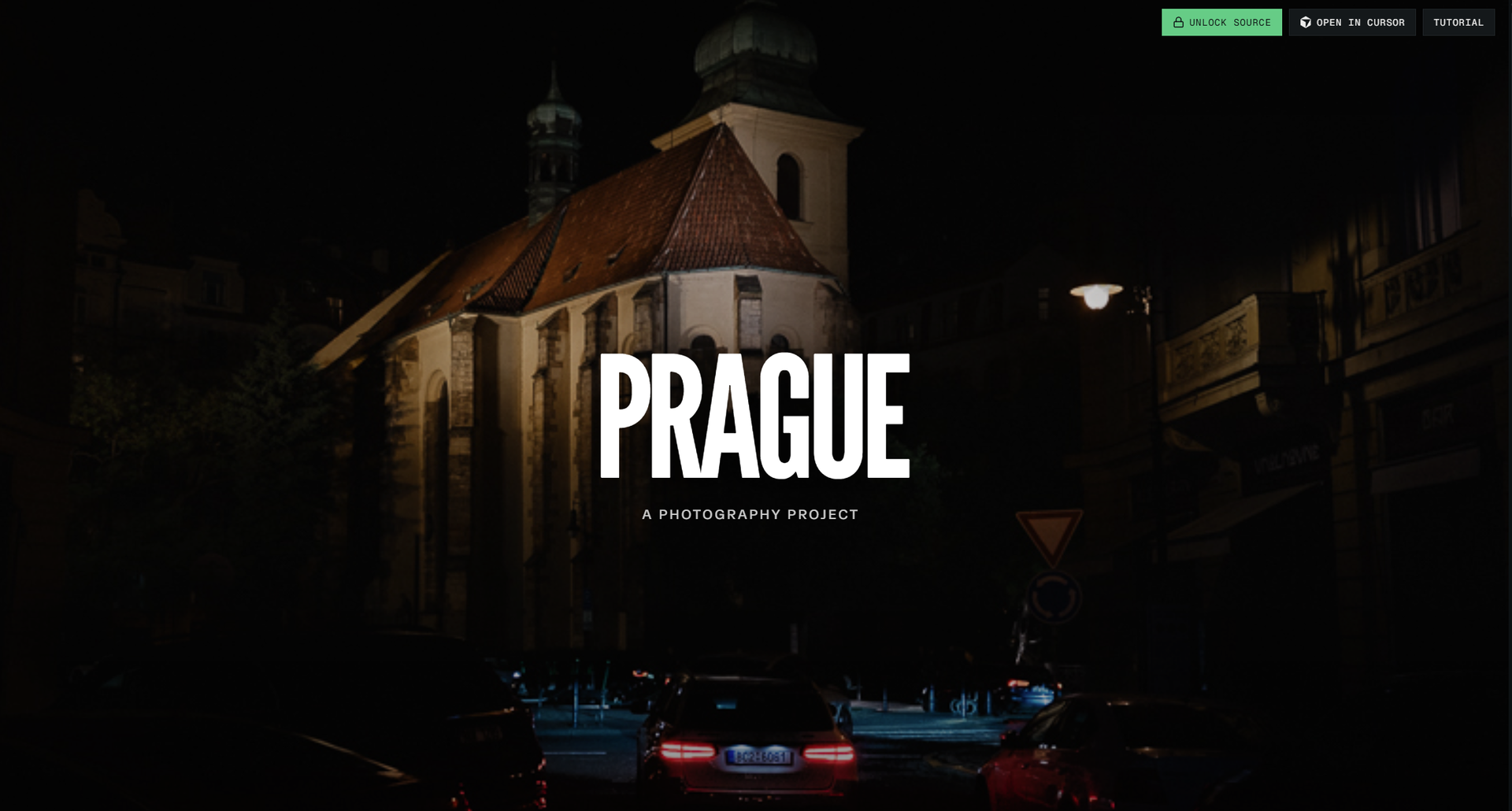
A custom 3D scroll website can make a product feel tangible before someone touches it. A camera can move through a machine, a shoe can rotate as its materials are explained, or a landscape can unfold section by section. But motion alone does not make a good experience. If visitors wait through a heavy load, lose control of scrolling, or cannot understand the page without a powerful laptop, the spectacle becomes friction.
The better approach is progressive enhancement. Start with the story, content, and usable fallback. Add WebGL, 3D assets, and scroll-linked motion where they clarify an idea or create a useful sense of scale. This guide covers the decisions that make a custom 3D scroll website impressive without making it fragile.
💡 Tip: Treat 3D as a narrator, not wallpaper. Every camera move should explain, reveal, compare, or invite action.
What a Custom 3D Scroll Website Should Do
A custom 3D scroll website works best when a physical relationship is difficult to explain with flat images. Product anatomy, spatial systems, material changes, assembly steps, and immersive brand worlds are strong candidates. A normal service page with floating shapes is usually not.
Define one job for the experience before choosing a library:
Explain: reveal how parts connect or how a process works.
Compare: show size, layers, variants, or before-and-after states.
Orient: let visitors move through a place, product, or system.
Focus: make one launch, product, or campaign feel memorable.
Then write the non-3D version of the page. It should still have a clear headline, readable copy, meaningful images, and a visible call to action. This fallback is not wasted work. It becomes the content structure for the animated version and protects visitors whose device cannot run the scene.
Think of 3D like an exhibition display. A good display directs attention toward one object and gives visitors room to move. It does not fill every wall with flashing screens. That same restraint makes an interactive page easier to understand.
The next decision is narrative: what should each scroll section teach?
Choose the Story Before the WebGL Stack
Write the page as a sequence of scenes before opening a 3D editor. Each scene needs a message, a visual state, and an exit condition. For example:
Introduce the object: show its overall form and the promise it delivers.
Reveal the structure: separate layers or move the camera to a useful angle.
Explain the detail: highlight one component, material, or interaction.
Resolve the story: return to the complete object and present the next action.
This sequence prevents a common failure: building a beautiful model with no editorial purpose. A model can rotate endlessly and still leave visitors unsure what they should notice.
Create a storyboard with four columns: scroll range, camera position, object state, and copy. Keep copy outside the canvas whenever possible. HTML text remains easier to search, translate, resize, and navigate with a keyboard than text baked into a WebGL scene.
Choose your technical stack after this storyboard is clear. Three.js documentation covers the core scene, camera, renderer, lighting, and asset concepts. GSAP ScrollTrigger documentation covers timelines that respond to scroll position. Neither tool decides what your story should say; that remains a design decision.
With the story mapped, build the scene as an enhancement rather than the only version.
Build the Scene as Progressive Enhancement
A resilient implementation has layers:
Content layer: semantic headings, paragraphs, links, buttons, and ordinary images.
Motion layer: CSS transitions or lightweight JavaScript for devices that support animation.
3D layer: WebGL scene, model loading, camera movement, and material changes.
Fallback layer: poster image, short video, or static product render when 3D is unavailable or unnecessary.
Load the 3D layer after the first useful content is visible. Use an intersection signal to start loading when the scene approaches the viewport rather than making every visitor download it immediately. The Intersection Observer API provides a browser-native way to observe visibility changes.
Keep the scene focused. Reduce polygon detail where visitors will not inspect it, compress textures, remove hidden geometry, and load only the assets needed for the current story. A product page rarely needs a complete digital twin if the animation only shows its exterior shell.
Avoid making smooth scrolling a requirement for understanding. A utility such as Lenis can shape scroll behavior, but native scrolling should remain a valid path. Visitors expect the wheel, trackpad, touch screen, keyboard, and scrollbar to work as browser controls.
The scene now has a job and a fallback. Next, connect scroll to moments that carry meaning.
Connect Scroll to Meaningful Moments
Scroll-linked motion should change when the story changes, not whenever the page moves by an arbitrary number of pixels. Use a small number of deliberate states:
Camera pulls back to show context.
Part separates to explain assembly.
Material changes to compare options.
Annotation appears when a feature enters focus.
Full product returns before the call to action.
A timeline with named states is easier to design and maintain than dozens of unrelated event handlers. It also makes mobile adaptation simpler: a narrow screen can use the same story beats with smaller movement, fewer layers, or a static image.
Keep the reader's location visible. Add section headings, progress cues, or ordinary text alongside the canvas so visitors know where they are. If the camera moves for several screens while the copy remains unchanged, the interaction may feel like a loading sequence rather than an explanation.
Respect motion preferences. The prefers-reduced-motion media feature lets you provide a calmer version for people who request less movement. Reduced motion can mean a static image, short fades, or immediate state changes; it does not mean removing the content.
Meaningful states make motion easier to measure too. You can test whether people reach the call to action, understand the highlighted feature, and complete the intended task instead of celebrating a pretty rotation.
Before launch, protect those story beats with a performance and accessibility pass.
Protect Performance, Accessibility, and Mobile Input
Performance is part of visual quality. A scene that stutters makes the product feel cheap, even when the model is excellent. Use a budget before production begins for initial page weight, 3D asset weight, time to first useful content, and frame stability on a representative phone.
Prioritize work that keeps the main thread and rendering pipeline responsive. web.dev's animation guidance explains why some animated properties are cheaper than others, while its rendering performance guide provides a broader model for finding expensive layout, paint, and compositing work.
Run tests on more than your development machine:
Mid-range Android phone on a mobile connection.
Older laptop with integrated graphics.
Touch input and trackpad input.
Keyboard-only navigation.
Screen reader and browser zoom.
Reduced-motion preference enabled.
WebGL disabled or unavailable.
The HTML layer should expose the same information as the canvas. Give images useful alternative text, keep controls real buttons and links, and never make a hover-only interaction the sole way to reveal content. If a 3D object has important labels, provide those labels in nearby HTML as well.
Do not hide a loading state behind a blank screen. Show a useful headline and fallback visual first, then replace or enhance it when the scene is ready. Visitors should understand the page even if the model never loads.
A launch checklist turns those principles into decisions the whole team can sign off.
A Practical Launch Checklist for 3D Web Experiences
Before publishing a custom 3D scroll website, check each layer:
Story: Can every animated state be explained in one sentence?
Fallback: Does the page remain useful without WebGL, JavaScript, or smooth scrolling?
Loading: Does useful content appear before the 3D scene finishes loading?
Assets: Are models, textures, and animations limited to what the story needs?
Controls: Do wheel, touch, keyboard, scrollbar, and back-button behavior remain predictable?
Motion: Does reduced motion remove unnecessary movement without removing meaning?
Access: Can visitors read, navigate, and act without relying on the canvas?
Measurement: Are you measuring comprehension and task completion, not only time on page?
A custom 3D scroll website earns its cost when the spatial experience explains something that a flat page cannot explain as quickly or as clearly. Build the content first, keep the fallback honest, and reserve motion for moments that deserve attention. Then 3D stops being decoration and becomes part of the product story.
Linh Nguyen
Graphic Designer
Passionate Graphic Designer | Specializing in Illustration Design | Bringing Captivating Visuals to Life