Post 1
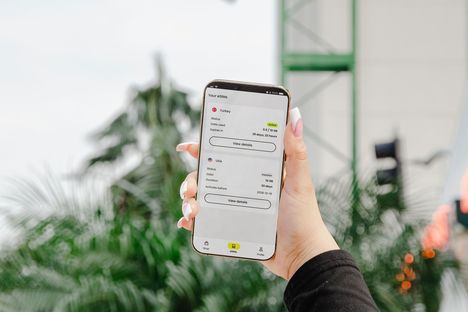
Mobile Form Design: Fewer Taps, Fewer Dropped Forms
A form on a phone is a small task repeated many times. A field that needs manual text entry can make the shopper switch focus, bring up a keyboard, and
Bold ideas, shipped with quiet precision.
Articles
Post 1
A form on a phone is a small task repeated many times. A field that needs manual text entry can make the shopper switch focus, bring up a keyboard, and
Post 2
Start with the reader’s taskA table that looks fine on a laptop can become unreadable on a phone. The columns squeeze together, the numbers wrap onto two lines, and the
Post 3

Good product card design helps a shopper decide whether an item is worth opening. Show a recognizable image, a descriptive name, a clear price, and the attributes that matter for
Post 4
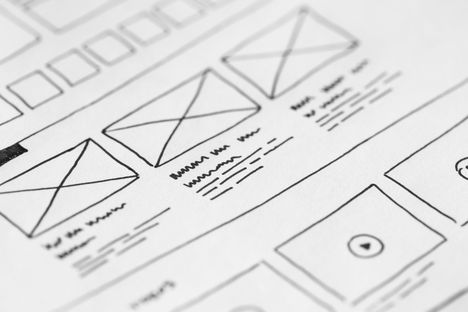
A form can use consistent fonts, tidy alignment, and a sensible spacing scale—and still make you wonder which label belongs to which field. That hesitation is a good reason to
Post 5

A custom 3D scroll website can make a product feel tangible before someone touches it. A camera can move through a machine, a shoe can rotate as its materials are
Post 6
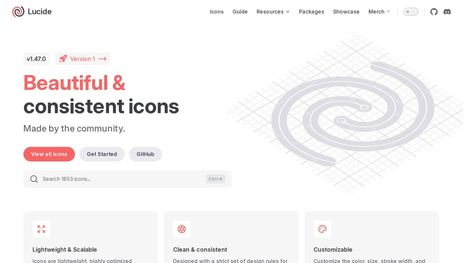
A search icon looks right. The settings icon is heavier. The download arrow has square corners while everything around it is rounded. Every file was free, but the interface now