Cover Image
When an AI tool generates the wrong color, missing or unclear design context may be part of the problem. A model can also ignore supplied context or make an implementation error. Named design tokens make the intended values explicit and easier to check; they do not guarantee correct output.
A design token is a named, reusable design decision: brand-500: #4F46E5 instead of "that purple from the hero". The Design Tokens Community Group exists to standardize how tokens are defined and exchanged so tools stay interoperable. For AI-assisted work, another use is context: you can reuse exported token values as context for AI generators, visual editors, and agents that accept them. Reuse the values through each tool’s supported context or import mechanism, then verify the result.
This guide shows you how: what tokens to define, where to keep them in Figma, how to export them, and how they plug into the DESIGN.md workflow from The Designer's Guide to AI Coding Tools. Think of that pillar as the map; this is the first territory you claim.
TL;DR: Define three token categories (color, type, spacing) as named values in Figma Variables, export them as JSON, paste the essentials into your DESIGN.md, and point every AI tool at that file. Start with one screen, then confirm that each tool uses the supplied values.
What Design Tokens Actually Are (No Jargon)
Strip away the spec language and a token is simple: a decision with a name. Instead of hex codes scattered across layers, you keep a dictionary — this is our blue, this is our heading font, this is our corner radius. Within a connected system, updating a token changes the values that resolve from it; exported files and other tools need their own sync or rebuild.
Three useful starting categories are:
Color tokens. Your palette as names: brand-500 for the primary action color, ink for body text, paper for backgrounds, plus success/warning/error states. Semantic names (what the color does) beat descriptive ones (what it looks like) — when the brand red changes shade, danger still means danger.
Type tokens. Font families, sizes, weights, line heights — the skeleton of your hierarchy. font-display for headings, font-body for text, a size scale like 14/16/20/28/40 that maps to body/caption/H3/H2/H1. A supplied five-step scale gives you explicit values to check in generated output.
Spacing and radius tokens. The 8px base unit, card padding, corner radii (12px cards, pill buttons). Inconsistent spacing can weaken the design. Named values help you inspect and correct it.
Everything else — shadows, motion durations, breakpoints — is layer two. Start with the three above; expand only when a tool asks for something you have not defined.
Figma Variables: Where Your Tokens Live
If you already use Figma, your token home is Variables. Figma's official guide to variables frames them as reusable values for design systems, prototyping, and APIs — which is exactly the AI-handoff job: values defined once, consumed everywhere including by machines.
Practical setup for a solo designer, no enterprise system required:
Open Variables (right sidebar, or search actions) and create three collections: Color, Type, Spacing.
In Color, add your palette as semantic names —
brand/500,ink,paper,success,warning,danger. Use slash grouping; it exports cleanly.In Type, define families and a size scale. You do not need every weight — regular, medium, and bold are a possible starting set.
In Spacing, define the base unit (
space/1= 8px) and common multiples, plus radii (radius/card= 12px,radius/pill= 999px).Apply variables to your actual layers — tokens nobody uses are documentation, not a system. Select the hero, bind its fills and text styles, and confirm the variable names appear in the properties panel.
Modes deserve one paragraph: Figma lets each variable hold a different value in each mode (light/dark being the classic pair). If you ship dark mode, define both values now — provide both modes to the AI tool and verify theme switching in the code. Adding a theme later may require changes to existing components.
Exit criterion: open any key screen and every fill, text style, and corner radius traces back to a named variable. Untraceable values are guesses waiting to happen.
From Figma to JSON: Exporting Tokens Machines Can Read
Variables locked in Figma are step one. For this workflow, step two is a JSON export you can inspect and supply as context.
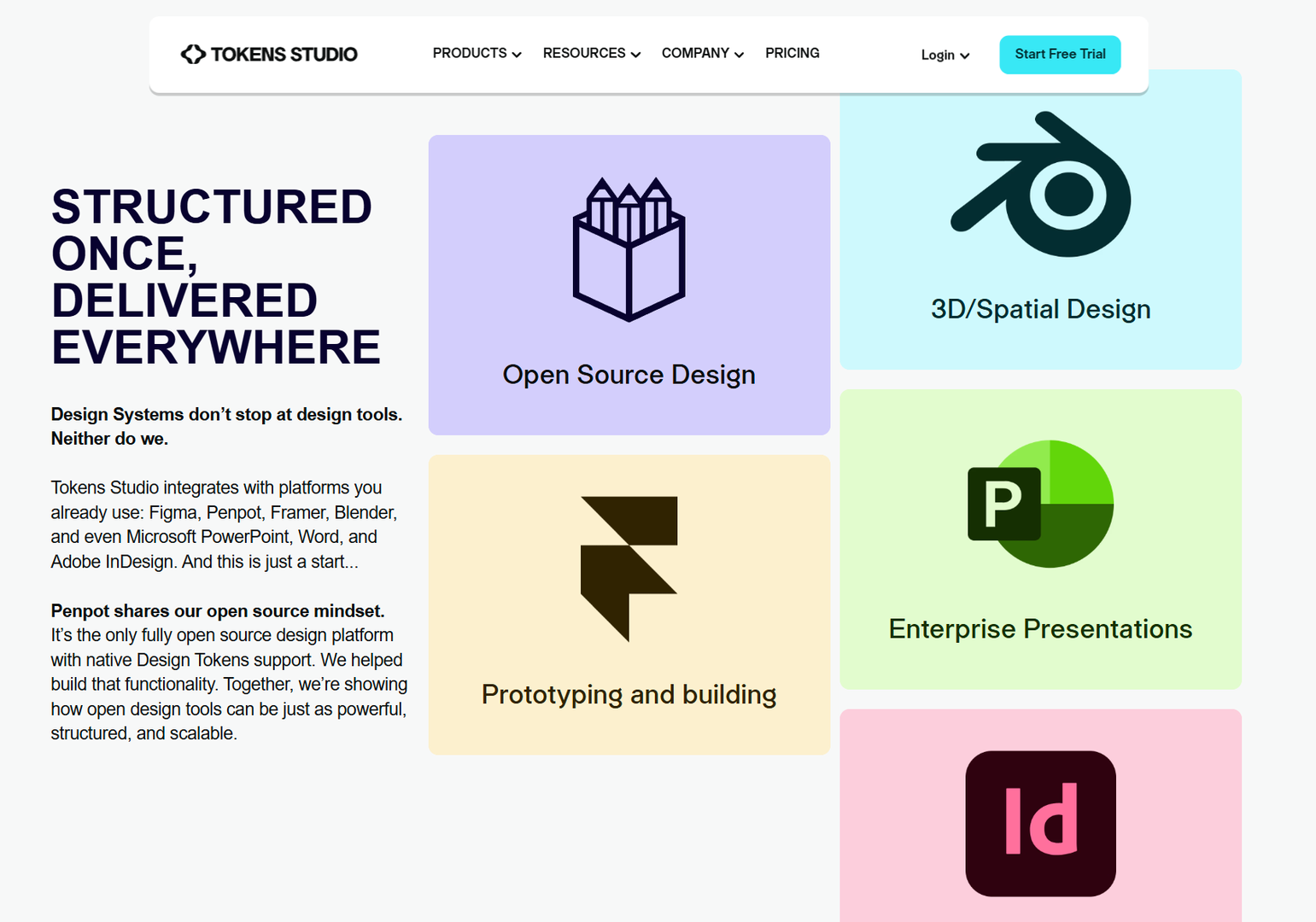
One option is Tokens Studio’s variable import. It creates tokens from Figma variables and token sets from modes; inspect inferred token types and units before exporting JSON. The free token-set export workflow has limits: exporting tokens back to a Figma collection with multiple modes requires Themes (Pro), and non-local variable references are not supported by token-set export. Check both your Figma plan and plugin workflow rather than assuming every round trip is free.
Here is an illustrative legacy Tokens Studio-style JSON structure with explicit units for dimensions. For interchange, check your tooling’s support for the DTCG format instead:
{
  "brand": { "500": { "value": "#4F46E5", "type": "color" } },
  "ink": { "value": "#111827", "type": "color" },
  "font": {
    "display": { "value": "Sora", "type": "fontFamily" },
    "body": { "value": "Inter", "type": "fontFamily" }
  },
  "space": { "unit": { "value": "8px", "type": "spacing" } },
  "radius": { "card": { "value": "12px", "type": "borderRadius" } }
}
Keep the full JSON as your archive; the next section adds a readable summary for review. Naming discipline matters here: inspect how the export maps Figma names such as brand/500 to JSON keys before relying on those paths. Rename now while the file is small; renaming across fifty screens later is the tax on sloppy names.
💡 Tip: version this file. Save
tokens-v1.jsonthe day you export it. When a client asks "what changed in the rebrand," you diff two files instead of reconstructing history from memory.
Plugging Tokens Into DESIGN.md (The AI Multiplier)
Raw JSON is precise but verbose — a human-readable summary can make review easier while preserving the full file. That summary lives in your DESIGN.md: tokens as code, rules as bullets. The full method is in the DESIGN.md handoff guide; the tokens-specific slice is this:
Open your DESIGN.md (or create one — fifteen lines is a complete start).
Paste a Tokens section: colors, fonts, spacing, radii as plain
name: valuelines.Add Rules that reference the tokens: "Never invent a new blue; use brand-500 or ink." Rules explain how values should be used; verify that the generated code follows them.
Keep the full
tokens.jsonalongside for tools that ingest files directly — DESIGN.md for prompting, JSON for syncing.
Keep one authoritative tokens file and derive the DESIGN.md summary from it. When a value changes, update the summary and refresh the context or sync in each tool. A change to Markdown does not automatically update a Figma variable, generated CSS, or another tool’s active session. Check both the source values and the generated references.
This is also where the agentic UX workflows framing pays off — tokens plus rules plus review and override loops help you guide the agent and review its choices. Supply context, then review the design.
The 5 Mistakes That Break Token Handoff
Opinionated section — these are suggested checks for human and AI handoffs:
1. Descriptive names instead of semantic ones. light-blue breaks the day the brand shifts teal; a role such as color/action/primary can retain its meaning when the palette changes. Keep primitive palette names such as brand-500 where useful, and reference them through semantic tokens.
2. Forty tokens before ten are used. A sprawling unused dictionary is worse than a small live one — unused or ambiguous tokens can make the intended choice harder to identify. Ten bound tokens beat fifty theoretical ones.
3. Tokens in Figma but hardcoded in code. If the shipped CSS says #4F46E5 instead of var(--brand-500), later token changes will not automatically update that literal. Bind on both sides or do not bother.
4. No dark-mode values until launch week. Adding a second mode under deadline leaves less time to specify and review its color values. Define both modes on day one, even if dark ships later.
5. Skipping the visual diff. After wiring tokens through, generate one screen and compare it against Figma side by side. Mismatches can reveal naming errors, unbound layers, or export bugs. Investigate them before reusing the output.
⚠️ Warning: mistake 3 is silent. Nothing errors, nothing looks broken at first — copied literals can miss later token changes, so a redesign may need edits wherever those literals remain. Verify variable references in generated code the way you would proofread print: before it ships, every time.
Your Token Setup Afternoon (Checklist)
Use this as a starter checklist; the time required depends on the project:
[ ] Audit one real project screen: list every distinct color, font size, spacing value in use
[ ] Create Figma collections (Color, Type, Spacing) with semantic names
[ ] Bind all layers on that screen to variables — zero hardcoded values
[ ] Export via Tokens Studio plugin to
tokens-v1.json[ ] Write the DESIGN.md Tokens + Rules sections from the export
[ ] Test: prompt a generator with DESIGN.md attached and confirm it reproduces your palette unprompted
[ ] Save versions, note what broke — that list is next month's layer-two expansion (shadows, motion)
Done is not "tokens exist." Done is "an AI tool I pointed at my files produced my system without extra instruction." Run the test in step six honestly — it is the only metric that matters.
FAQ
Do I need Tokens Studio, or is Figma Variables enough?
Variables alone cover design-side consistency. To use values outside Figma, choose a supported transfer path: an export, an API, or an integration. This guide uses Tokens Studio and JSON; check the destination tool’s format requirements.
How many tokens is too many?
If you cannot bind all of them to real layers today, too many. Start near ten across the three layers; grow when a real screen demands a value you have not named.
Do tokens replace DESIGN.md?
No — they are halves of one system. Tokens are the values, DESIGN.md is values plus rules plus constraints. Feed tools both: the JSON for precision, the markdown for judgment.
What about an existing project with hardcoded everything?
Tokenize one screen first — the highest-traffic one. Prove the loop (variables → export → DESIGN.md → generation matches), then expand screen by screen. Starting with one screen can make the migration easier to review before expanding it.
Tokens are the cheapest leverage in the AI-assisted workflow: a reusable record of design decisions to maintain alongside your code. Set them up following the checklist above, plug them into the DESIGN.md handoff guide flow, and revisit the AI coding tools map whenever you add a new tool — the tokens go with you.
Linh Nguyen
Graphic Designer
Passionate Graphic Designer | Specializing in Illustration Design | Bringing Captivating Visuals to Life