Post 1
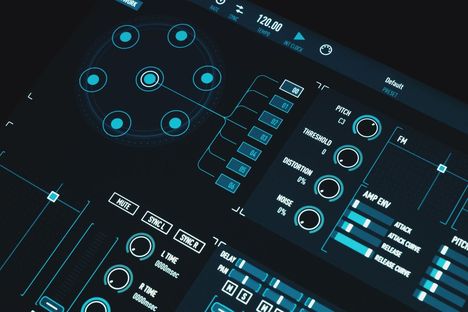
Micro-Interactions: 6 Patterns to Polish Vibe-Coded UI
Micro-interactions help people understand what an interface is doing: a button acknowledges a press, a saved item confirms a change, and an error explains how to recover. For a vibe-coded
Bold ideas, shipped with quiet precision.
Editorial Archive
Read our latest insights on minimal design and digital presence.
Post 1
Micro-interactions help people understand what an interface is doing: a button acknowledges a press, a saved item confirms a change, and an error explains how to recover. For a vibe-coded
Post 2
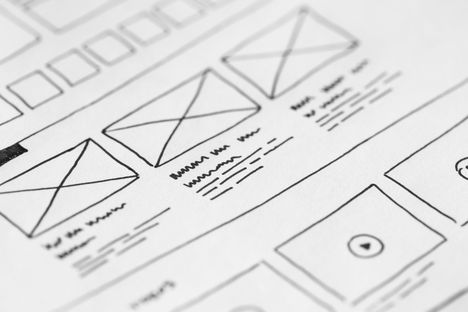
A form can use consistent fonts, tidy alignment, and a sensible spacing scale—and still make you wonder which label belongs to which field. That hesitation is a good reason to
Post 3
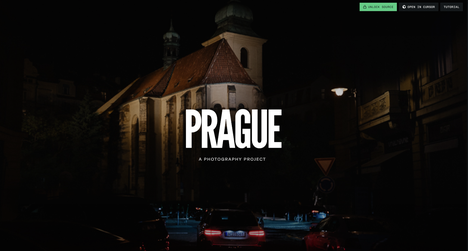
A custom 3D scroll website can make a product feel tangible before someone touches it. A camera can move through a machine, a shoe can rotate as its materials are
Post 4

Think about the last time you accepted a building's keys without an inspection. You would not. The lobby looks great, the contractor finished early, and nobody has checked the wiring.
Post 5
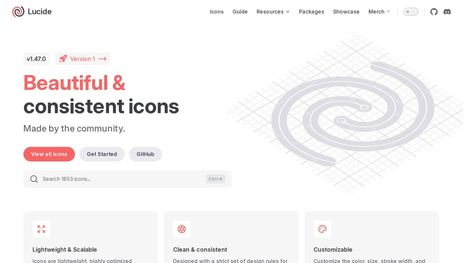
A search icon looks right. The settings icon is heavier. The download arrow has square corners while everything around it is rounded. Every file was free, but the interface now
Post 6

Chrome's own CrUX release notes say it plainly: the continued regression of INP is a cause for concern, and the team has no definitive reason why. In the August 2026